






















































































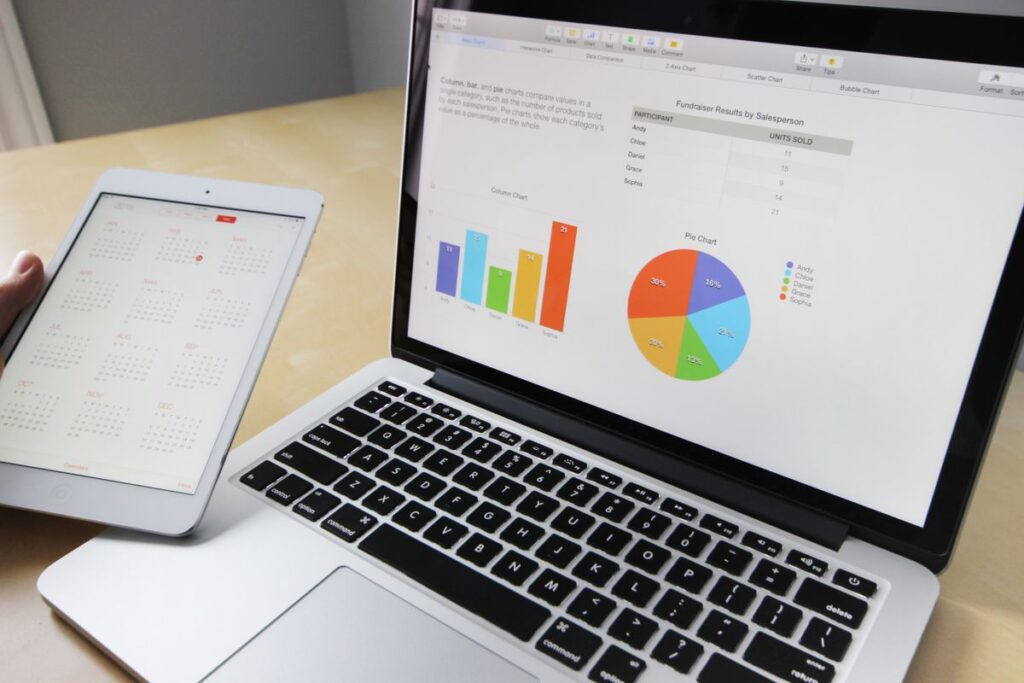


The Best Work Computer Setup for Real Productivity

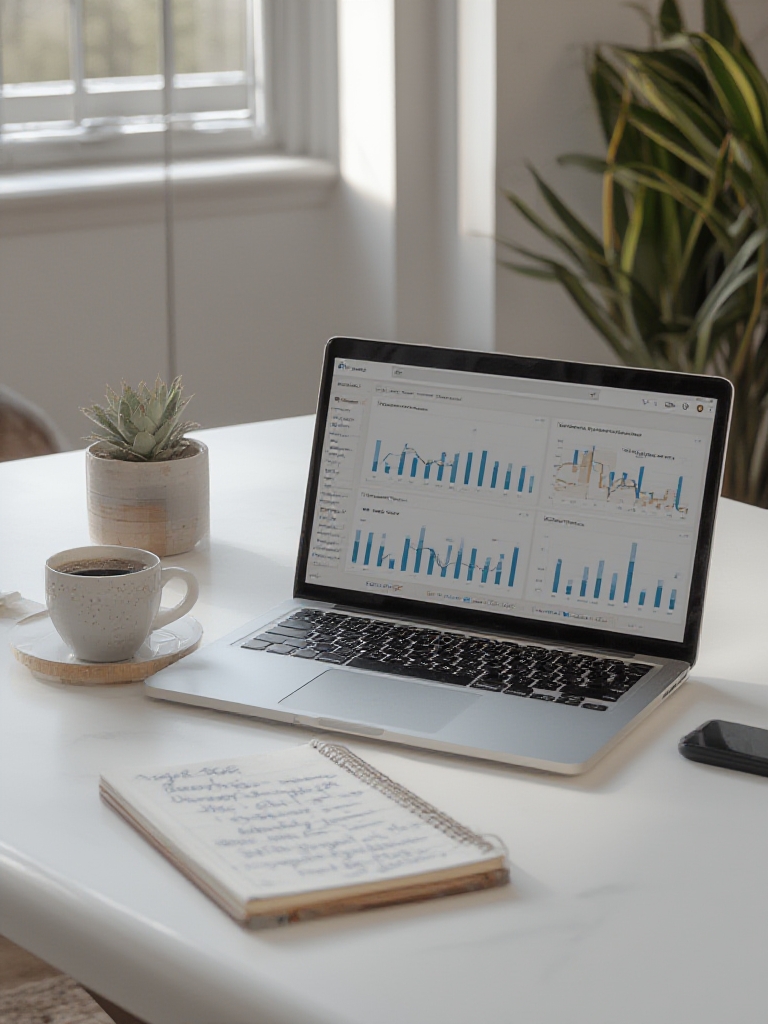
Finding the right work computer can feel like a never-ending search. Some machines have great specs but terrible battery life. Others look sleek but overheat, lag, or fall apart after a few months. So when you finally come across a setup that feels practical, stable, and comfortable, it’s a game-changer. This is what a truly practical work computer looks like — and why it makes such a difference in everyday productivity.
Table of Contents
- A Computer That Works With You
- The Specs That Matter Most
- The Setup That Completes It
- Why It Feels So Different
A Work Computer That Works With You, Not Against You
A practical work machine doesn’t need to be the most expensive or the most powerful. It needs to be:
- Reliable – no freezing, no random restarts.
- Fast enough – smooth multitasking without constant loading.
- Comfortable to use – keyboard, trackpad, and screen that don’t tire you out.
- Consistent – same performance on day 1 and day 300.
When a computer becomes invisible in the workflow, that’s when you know it’s the right one.
The Specs That Matter Most
Far too many people focus on “gaming-level” specs they never use. The perfect work computer simply balances speed with efficiency. What actually matters:
- Processor: modern Intel i5 / Ryzen 5 or Apple M-series
- RAM: 16GB for smooth multitasking
- Storage: fast SSD — never go back to HDD
- Battery: at least 8–10 real hours of work
- Ports: enough to avoid carrying a bag full of adapters
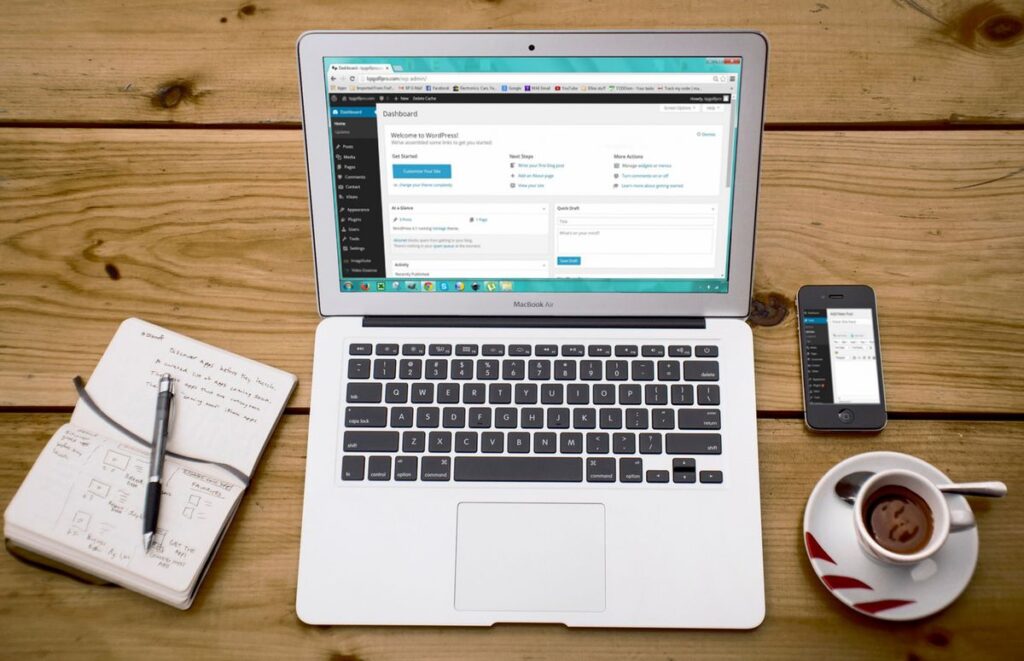
This combination handles office work, browsing, meetings, and even light creative tasks with zero stress. To get the most from any machine, pair it with the right software — see our roundup of the best AI tools for small business.
The Setup That Completes It
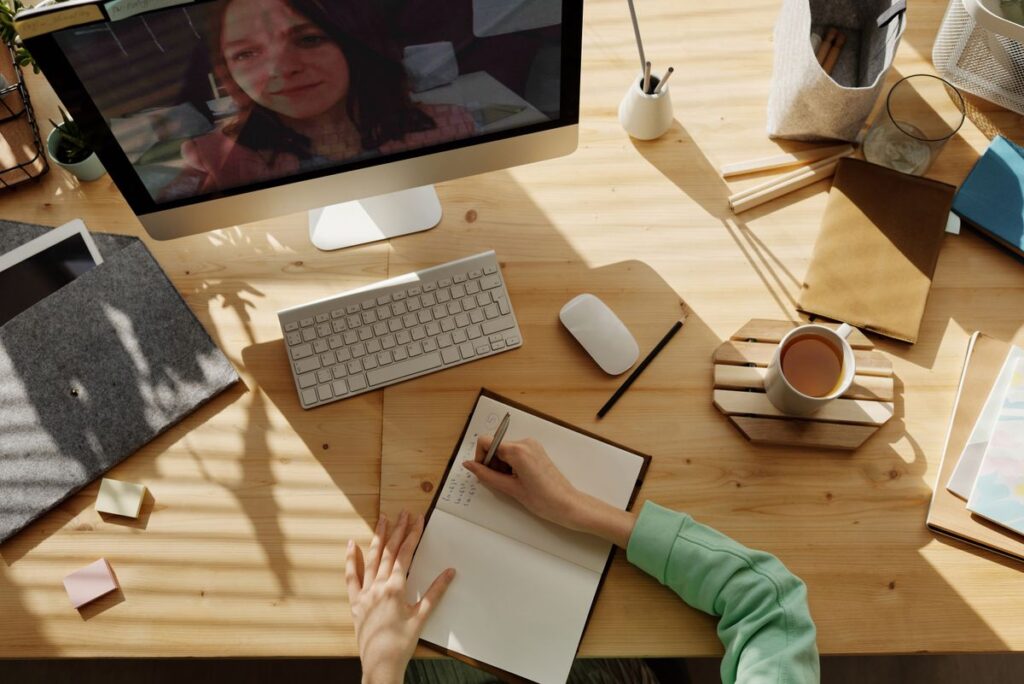
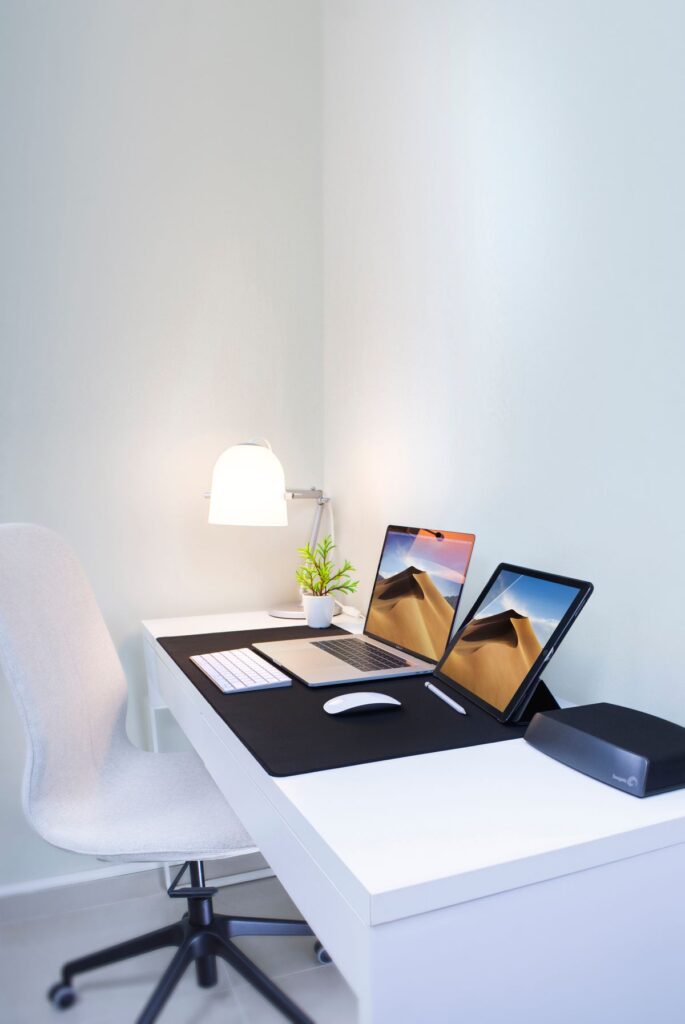
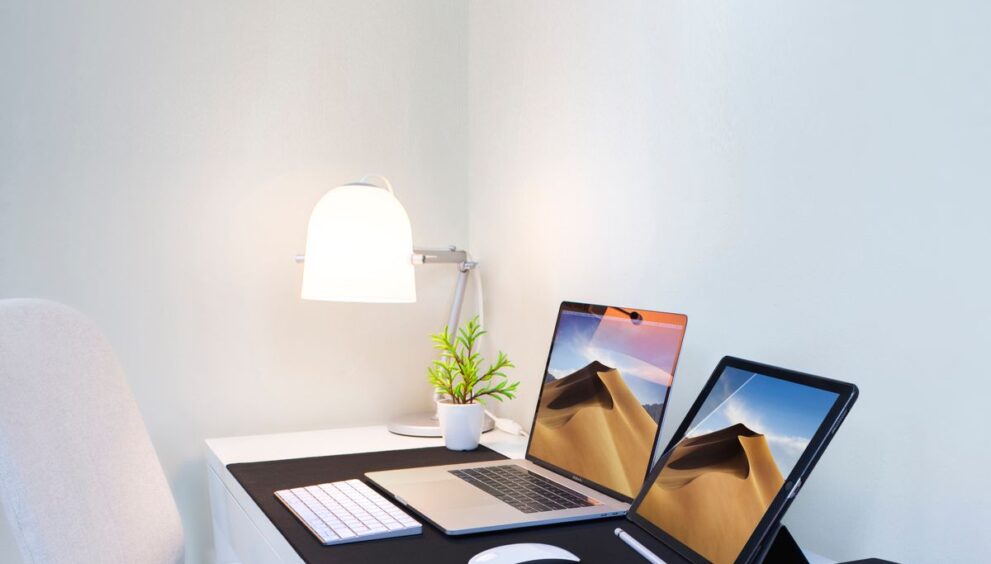
A computer can’t do it alone. The right setup turns it into a productivity machine — add a clear 24–27″ monitor for better posture and a wider workspace, a comfortable keyboard and mouse that match your typing style, good lighting that reduces eye strain, and a clean desk layout with minimal cables. A small upgrade in your environment can feel like doubling your performance.
Why This Kind of Setup Feels So Different
Because the entire focus shifts from fighting your computer to focusing on your work. Your screen doesn’t make your eyes hurt, your laptop doesn’t get hot after 20 minutes, your apps open instantly, and you finish tasks faster without feeling drained. It’s not about luxury — it’s about functionality. The CDC’s ergonomics guidance confirms that a well-designed workstation directly reduces fatigue and boosts output.
The Real Sign You Found the Right Work Computer
You sit down, open it, and start working without thinking about the device at all. No frustration, no hesitation — just flow. That’s what makes a work computer practically perfect: it disappears, and your productivity finally comes forward.
Frequently Asked Questions
What specs does a good work computer need?
For most professionals: a modern i5/Ryzen 5 or Apple M-series chip, 16GB RAM, a fast SSD, 8–10 hours of battery, and enough ports to avoid dongles.
Do you need an expensive computer for work?
No. A practical, reliable mid-range machine with the right setup outperforms an over-specced one you never fully use. Balance and comfort matter more than raw power.