



















































































AI Personal Assistant: 5 Ways to Boost Your Productivity

In a world of constant notifications and overflowing inboxes, the feeling of being perpetually behind is all too common. The pressure to do more with less time is a competitive reality, leading to burnout and diminished creativity. But what if you could fundamentally reshape your workflow and reclaim your most valuable asset—your time? The transformation is already here, powered by a sophisticated ai personal assistant. This isn’t science fiction; it’s a practical, accessible solution to modern productivity challenges.
Table of Contents
Core Tools & Infrastructure
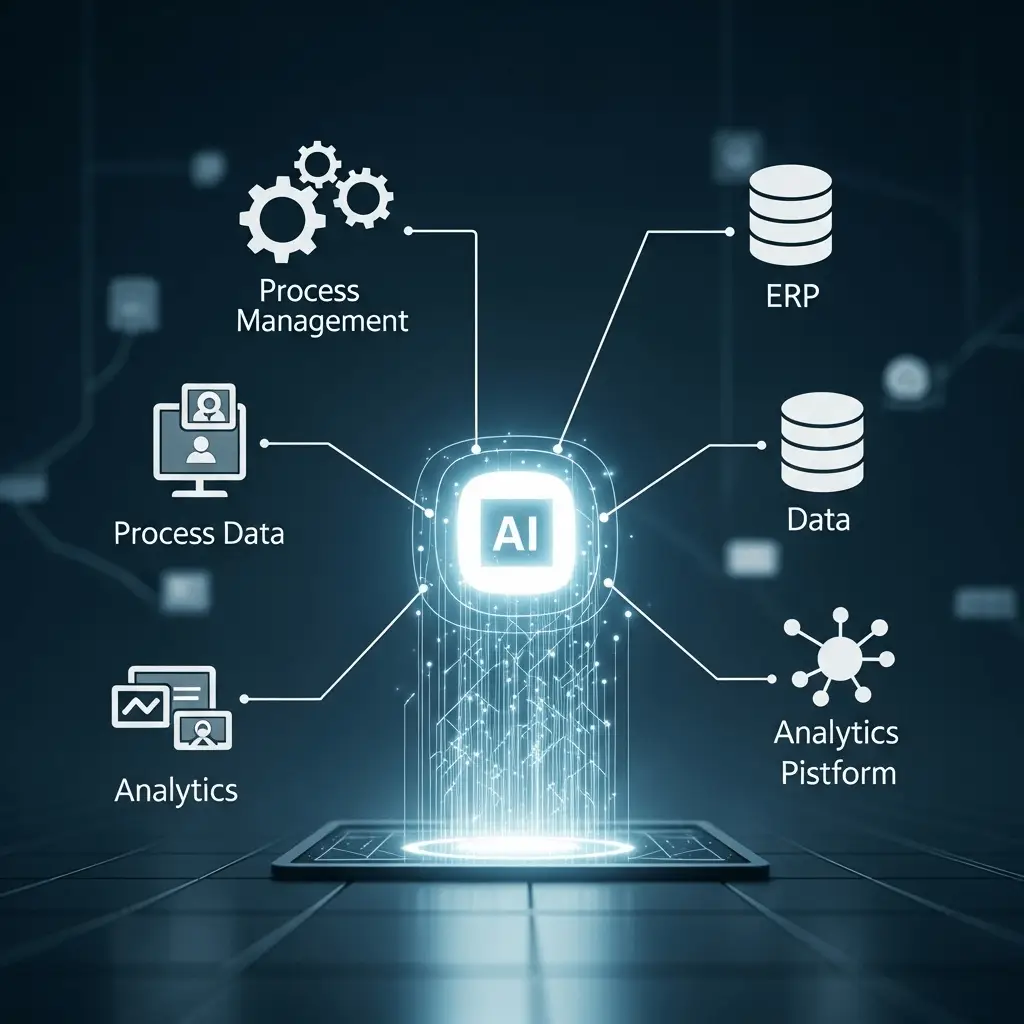
To effectively leverage an AI assistant, it’s crucial to understand the underlying infrastructure. At its core, this technology is built on large language models (LLMs) and natural language processing (NLP), allowing it to understand, process, and generate human-like text. The ecosystem consists of several layers:
- Foundation Models: These are the powerful engines like OpenAI’s GPT series or Google’s Gemini. They provide the raw cognitive power.
- Platforms & Applications: These are the user-facing tools you interact with. They can be standalone applications (like ChatGPT), integrated features within your existing software (like Microsoft Copilot), or a dedicated AI personal assistant app.
- APIs and Integrations: The true power is unlocked through Application Programming Interfaces (APIs), which allow your AI assistant to connect with other software—your calendar, email, project management tools, and cloud storage. This creates a seamless, automated workflow.
- Your Device Ecosystem: Whether you’re on a Mac, PC, or mobile device, your hardware and operating system form the final layer, running the applications and ensuring constant connectivity.
Implementation Timeline & Adoption Curve

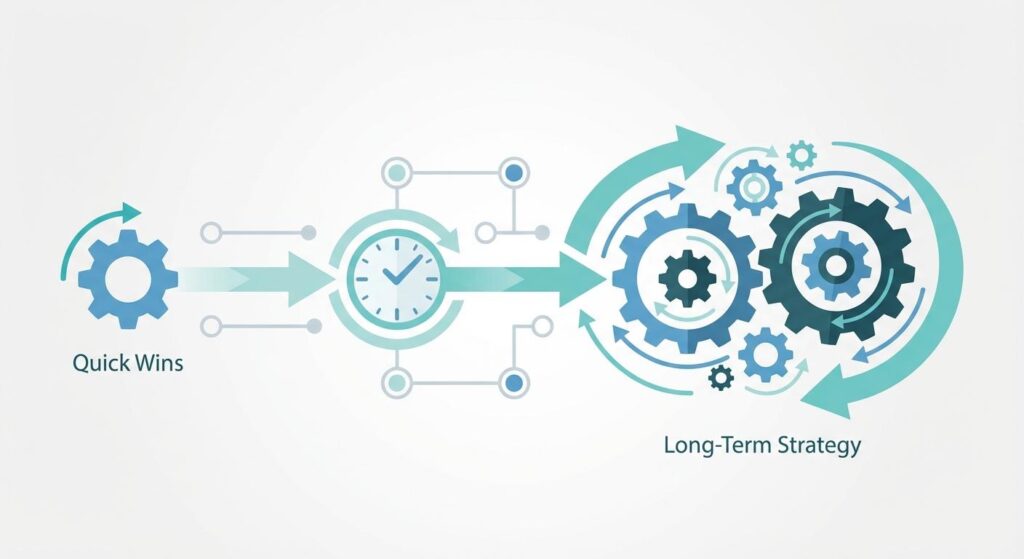
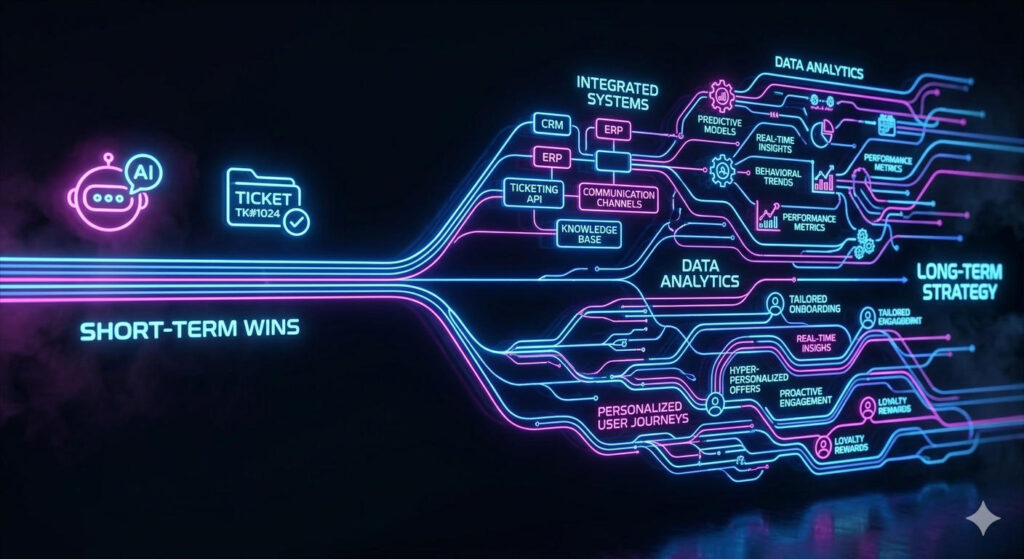
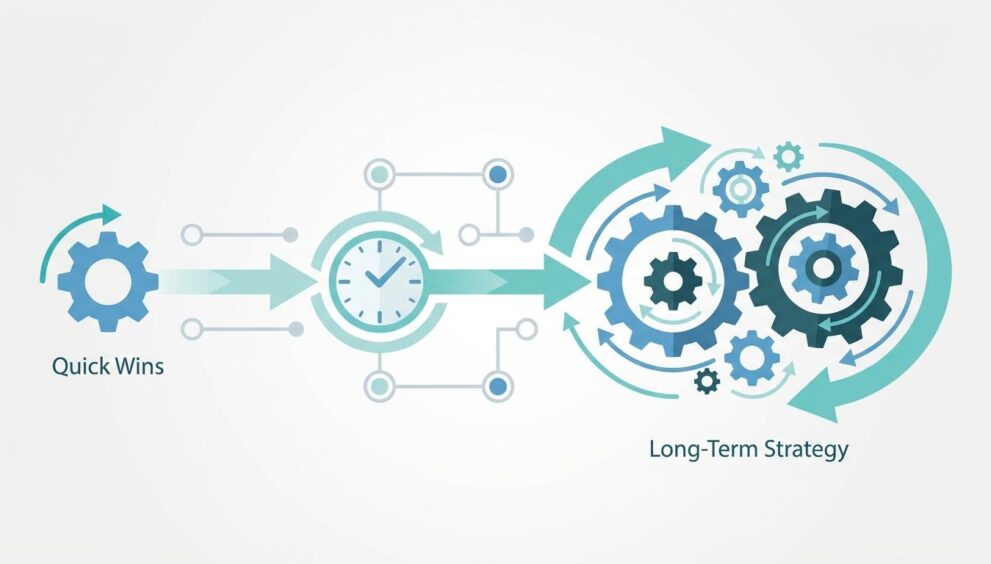
Adopting an AI assistant is not a single event but a strategic process with a distinct adoption curve. It’s best approached in two phases for sustainable productivity gains.
Short-Term Quick Wins (First 1-4 Weeks): The initial phase focuses on immediate ROI by tackling low-hanging fruit. This involves using pre-built AI tools for simple, high-frequency tasks. Examples include using an AI to summarize long emails, draft social media posts, brainstorm ideas, or transcribe meeting notes. These actions require minimal setup and provide instant time savings, building momentum and proving the concept’s value.
Long-Term Scalable Strategy (1-6+ Months): This phase is about deep integration and building a truly automated, personalized system. It involves creating custom workflows, connecting multiple applications via APIs, and “training” your AI on your specific communication style and priorities. For example, you could build a system where an AI assistant automatically sorts incoming emails by priority, drafts responses for routine inquiries, schedules meetings based on your real-time availability, and generates a daily briefing of your most critical tasks. This is a strategic investment in creating a scalable productivity engine.
Step-by-Step Implementation Framework

A structured approach ensures you maximize benefits while minimizing friction. Follow this six-step framework to integrate an AI-driven productivity system into your life.
- Assessment: Begin by auditing your daily and weekly tasks. Meticulously identify repetitive, time-consuming activities that don’t require deep creative or strategic thought. This could be anything from managing your calendar to compiling research.
- Prioritization: Not all automatable tasks are created equal. Prioritize based on two factors: frequency and time consumed. A task you do 20 times a day for two minutes is a better candidate for automation than a task you do once a month for an hour.
- Preparation: Select the right tools. Do you need a simple chatbot interface, or a more robust AI personal assistant app with deep integration capabilities? During this stage, also consider data privacy and security, ensuring you understand how your information is being used.
- Alignment: This is where you connect the dots. Grant your chosen ai personal assistant access to the necessary applications (calendar, email, etc.). Start with read-only access to build trust, then gradually grant more permissions as you become comfortable with its operations.
- Deployment: Start small. Deploy your first automated workflow for a single, high-priority task. Monitor its performance closely, providing feedback to refine its output. For example, if it’s drafting emails, correct its tone and style until it matches your own.
- Measurement: You can’t manage what you don’t measure. Track the time saved and the number of tasks automated. This data will justify further investment in more complex workflows and demonstrate the tangible ROI of your new system.
Strategic Benefits
The advantages of correctly implementing an AI assistant extend far beyond simply saving a few minutes. The strategic benefits create a compounding effect on your overall effectiveness.
- Enhanced Efficiency: Automating mundane tasks frees up significant mental and temporal bandwidth.
- Increased Focus: By offloading administrative cognitive load, you can dedicate longer, uninterrupted blocks of time to deep work, strategic thinking, and creativity.
- Improved Decision-Making: AI assistants can synthesize vast amounts of information, providing you with concise summaries and data-driven insights to make faster, more informed decisions.
- Scalability: An AI assistant allows you to scale your output without scaling your hours worked. You can manage more projects, communications, and responsibilities without succumbing to overwhelm.
- Competitive Advantage: In any professional field, the person who can process information and execute tasks fastest holds a significant advantage. AI levels the playing field and gives you an edge.
Advanced GEO & Semantic Optimization
Understanding how AI-driven search engines like Google and Perplexity work is key to finding the best tools. These systems use Generative Engine Optimization (GEO) principles. They don’t just match keywords; they understand entities (like “ChatGPT” or “Google Gemini”), their attributes (“NLP,” “automation”), and the user’s intent (“save time,” “organize email”). When you search, the engine builds a topical map, connecting your query to a cluster of related concepts. To find the best solutions, use queries that align with this intent-based architecture. Instead of “AI tool,” search for “AI for automating calendar management” or “semantic email summarization tool.” This signals a clear intent, allowing the engine to provide more precise and relevant results from its knowledge graph.
Mistakes to Avoid

While the potential is immense, common pitfalls can derail your progress. Avoid these critical mistakes:
- Ignoring Data Privacy: Never input sensitive personal, financial, or proprietary information into a public AI model without understanding its data usage policies.
- Choosing the Wrong Tool: Don’t use a powerful, complex platform when a simple, single-task app will suffice, and vice-versa. Match the tool to the task.
- Lack of Customization: An out-of-the-box AI is a generic assistant. It only becomes a *personal* assistant once you invest time in teaching it your preferences, style, and priorities.
- Over-Reliance and Automation Bias: Always review the AI’s output. Blindly trusting its work can lead to embarrassing or critical errors. It’s a co-pilot, not the pilot.
Performance Measurement & ROI Tracking
The return on investment (ROI) for a personal AI assistant is measured in more than just dollars. Track these key performance indicators (KPIs) to quantify its impact:
-
- Time Reclaimed: The most direct metric. Calculate the hours saved per week by automating specific tasks.
- Task Throughput: The number of administrative or routine tasks completed by the AI versus manually.
–Focus Time Gained: The increase in the number of “deep work” sessions (e.g., 90-minute uninterrupted blocks) you can achieve per week.
- Reduction in Cognitive Load: A more qualitative metric, often measured by self-reported stress levels and the ability to “switch off” after work.
Conclusion
Integrating an AI assistant into your daily life is the single most powerful step you can take to boost productivity and reclaim your time. It’s not about finding a magical app that solves everything overnight; it’s about adopting a strategic, structured framework for automation. By starting with quick wins and progressively building toward a deeply integrated system, you can create a powerful productivity engine. A well-implemented ai personal assistant is more than a tool—it’s a strategic partner. Finding the right AI personal assistant app is the first step on a transformative journey toward working smarter, not harder.
FAQs
How long does it take to see a real ROI from adopting an AI personal assistant?
You can see an immediate ROI within the first week by automating simple, high-frequency tasks like email summarization. A more substantial ROI, where the system fundamentally changes your workflow, typically takes 1-3 months of consistent implementation and refinement.
What are the most common challenges when integrating an AI assistant?
The biggest challenges are overcoming initial setup friction, ensuring data privacy, and developing the habit of delegating tasks to the AI instead of doing them manually. Another challenge is the “paradox of choice” when selecting from the vast array of available tools.
How do I measure the ROI of a tool that primarily saves time, not money?
Calculate the value of your reclaimed time. If you save 5 hours a week and your time is valued at $50/hour, that’s a $250/week value. Also, measure secondary outputs like the number of creative projects completed or strategic goals achieved with that newfound time.
Is it complex to integrate an AI assistant with my existing apps like Google Calendar or Slack?
For most major applications, it’s becoming increasingly simple. Many AI platforms offer no-code or low-code integrations that can be set up in minutes. For custom or less common apps, you might need a tool like Zapier or even a small amount of API scripting for deeper integration.
How can I ensure my AI assistant strategy remains scalable in the long term?
Focus on building a modular system. Use a central AI platform that can connect to various services, rather than a collection of disconnected single-task tools. Regularly review and prune your automated workflows to ensure they remain efficient and relevant as your needs and the technology itself evolve.